
A fun, effective way to
learn sight reading.
Build the confidence to read piano music on sight.
Real results. Just five minutes a day. From beginner to Grade 8.
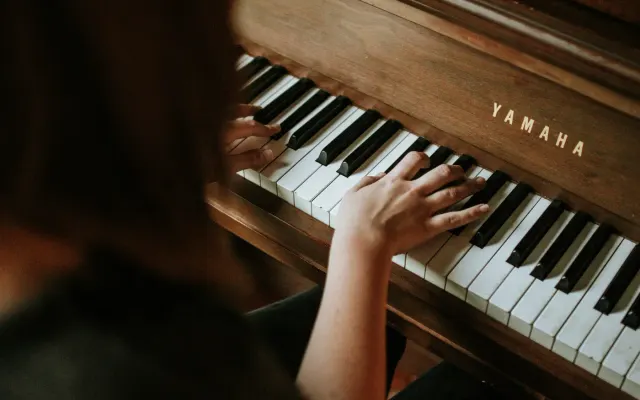
Read on sight
Stop memorising every piece note by note. Build a skill that travels with you.
Start practising →
Practice they look forward to
Daily piano time as a 5-minute game. Grade-aligned progress you can read at a glance.
See it for parents →
See where students are stuck
Assign the right exercises. Cut your lesson prep.
See it for teachers →Three steps. Five minutes.
Plug in
Connect a MIDI keyboard or use the on-screen one. Works in your browser; nothing to install.
Play what you see
A note appears on the staff. Play it. SightReader listens in real time and tells you what you missed.
Choose your level
Pick pieces that match where you are and move up as you grow — from middle C through late-grade repertoire.
Not sure where to start?
Try a study. Schäfer Book 1 is fully available on the free tier.
Exam-ready, grade by grade.
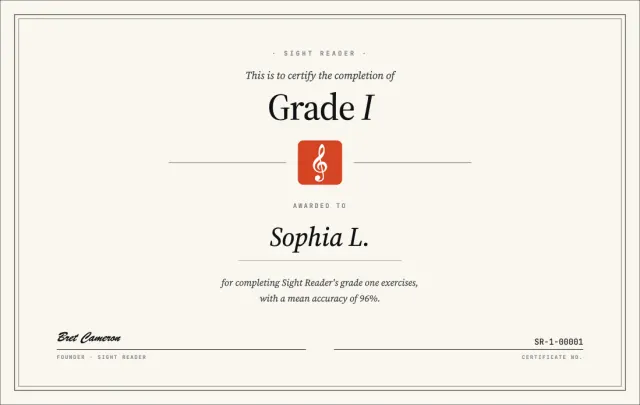
From Initial to Grade 8. Exam-aligned exercises, sight reading first. Newly composed pieces follow the ABRSM syllabus grade by grade. Finish a grade, get a certificate.
A practice room that pays attention.
Built for the way real practice happens: short sessions, tight feedback loops, music you actually want to play.

Four centuries of piano.
Baroque (Bach, Scarlatti, Purcell, Pachelbel, Carolan), Classical (Mozart, Haydn, Beethoven), Romantic (Chopin, Liszt, Schubert, Schumann, Brahms) and Modern (Debussy, Satie, Bartók, Rachmaninoff).
Levels for every stage
From first-time readers working on middle C through to late-grade repertoire. Pick your level, or work up through them one by one.
Instant feedback, every note
Notes you nail turn green; misses turn red. No vague “good job”. You see what you played, and what you didn’t.
Practice journal
Every session is logged. See which keys, clefs and intervals trip you up — down to the individual note.
Why this matters.
Three things we know about sight reading, backed by published research.
Just over a fifth of UK children have taken a graded music exam. Structured progression keeps them learning longer.
Peer-reviewed meta-analysis: sight reading is a skill that improves with practice, not a fixed trait.
Across 92 studies, structured sight-reading interventions (aural training, controlled reading, solfège) measurably improved accuracy.
Practice that’s actually fun
Earn XP, level up, build streaks — the same things that make games hard to put down, applied to learning music.
Every star you unlock earns XP. Watch your level climb.
Up to three stars per piece. Beating your best feels great.
Daily practice that builds the habit, not the dread.
Finish a grade, get a certificate. Save it or share it with your teacher.
Composed and collected.
Newly composed exercises, including ABRSM-aligned grade exercises, alongside excerpts from the classical canon, all set up for sight reading.
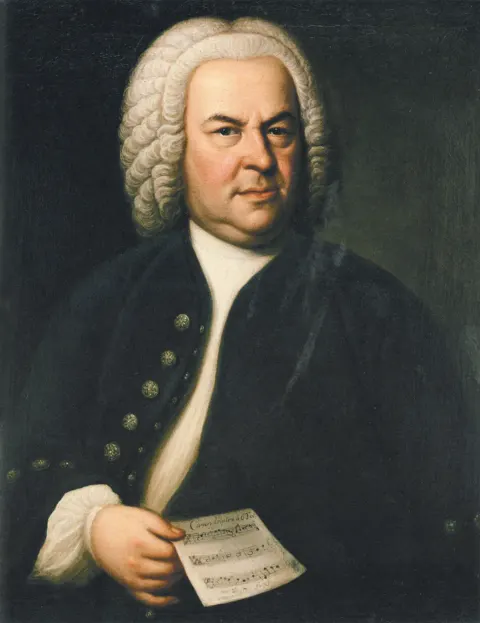


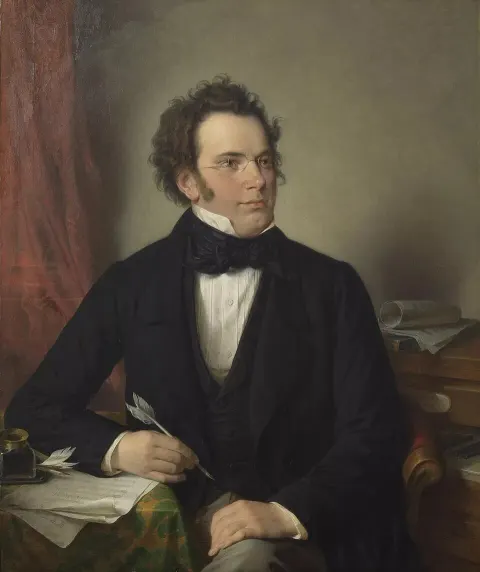
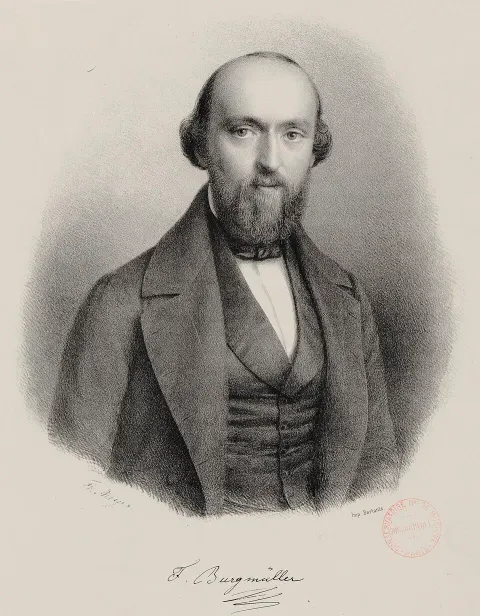
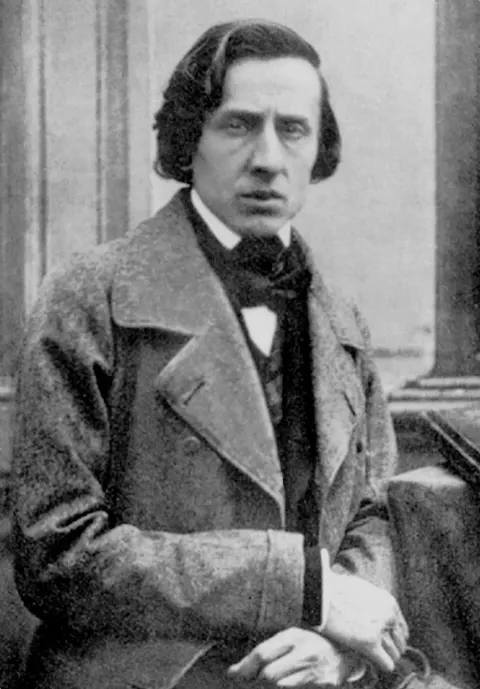
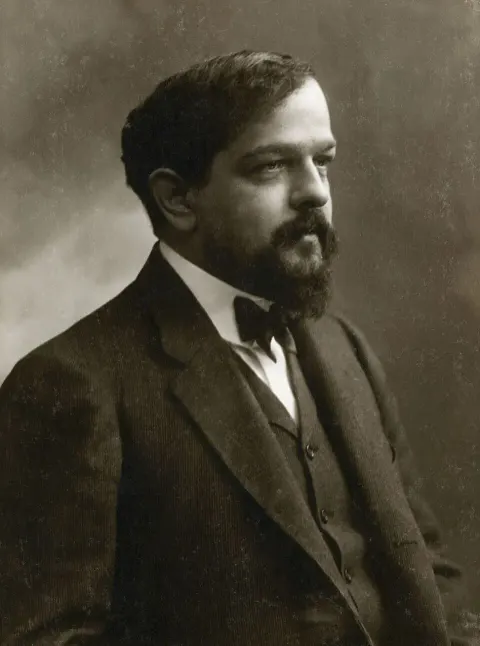
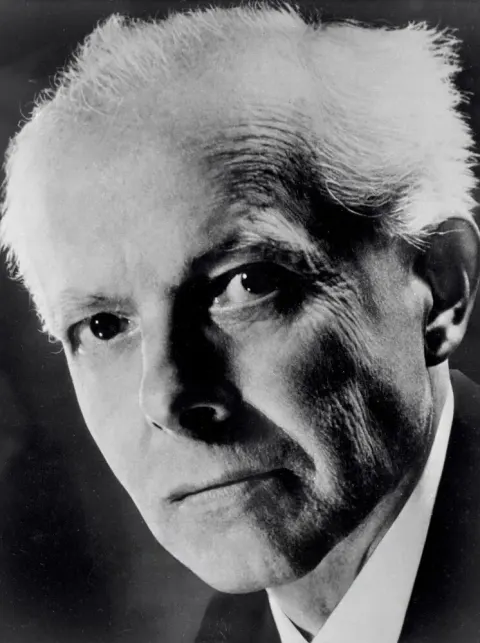
Composer portraits in the public domain, via Wikimedia Commons.
Piano practice your child looks forward to.
Practice without the nagging. SightReader turns daily piano time into a 5-minute game your child wants to come back to. Progress reports you can read at a glance. Grade certificates you’ll put on the fridge.
- ✓ Aligned to ABRSM Grades 1–8
- ✓ Daily streaks, stars, and levels keep them coming back
- ✓ See which notes and rhythms they’re working on
Used by piano students preparing for their grade exams.
See how it works →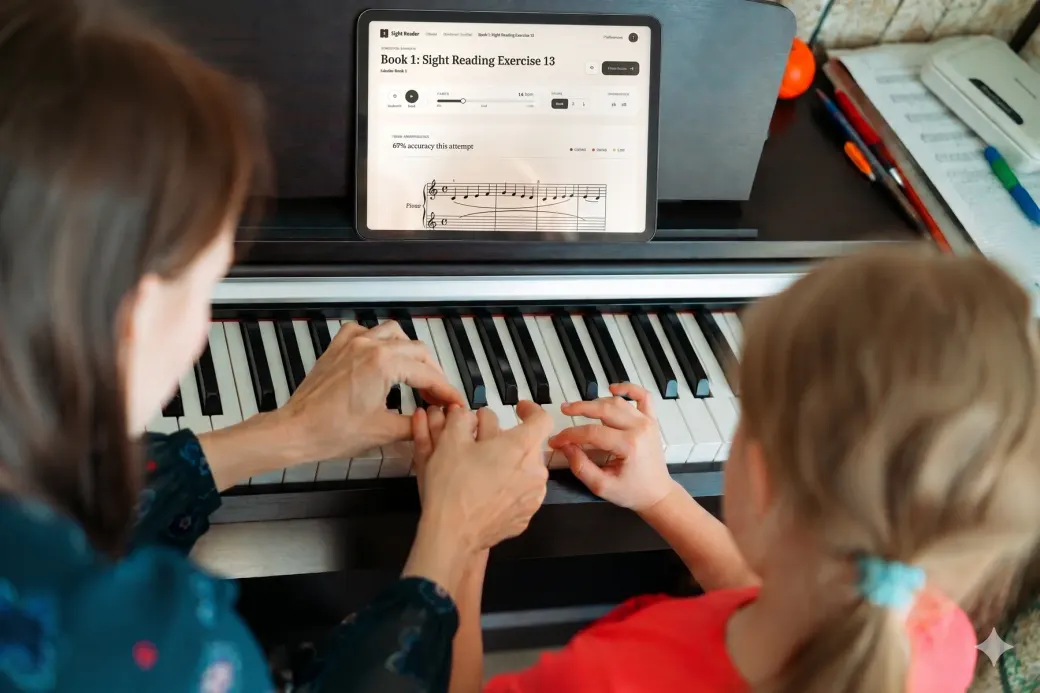
The same tool teachers use with their students.
A studio of students.
One dashboard.
Assign exercises, track progress, see exactly where each student is getting stuck. Free for verified educators.

I’m an adult learner picking piano up on the side. I wanted a tool to improve my sight reading, but couldn’t find anything deep enough for real progress or fun enough to keep me coming back. So I built what I wished I had.
Simple as a scale.
- ✓ Notes & Chords — unlimited
- ✓ Scales — all types
- ✓ Grades — first 5 levels of Initial through Grade 5
- ✓ Library — 50 pieces (Schäfer Book 1)
- ✓ Virtual piano (no MIDI keyboard needed)
- ✓ Everything in the Free tier
- ✓ All grades — ABRSM 1–8
- ✓ Full Library — 4,000+ pieces
- ✓ Daily Practice — curated sessions
- ✓ Grade certificates — one for each grade you finish
- ✓ Upload your own pieces
- ✓ Download pieces to practice offline — no internet, no problem